Unicode Small Text Security: Lookalike Characters, Usernames and Impersonation
Understand how Unicode lookalikes can enable confusing usernames and impersonation, and apply safer account and product-design practices.
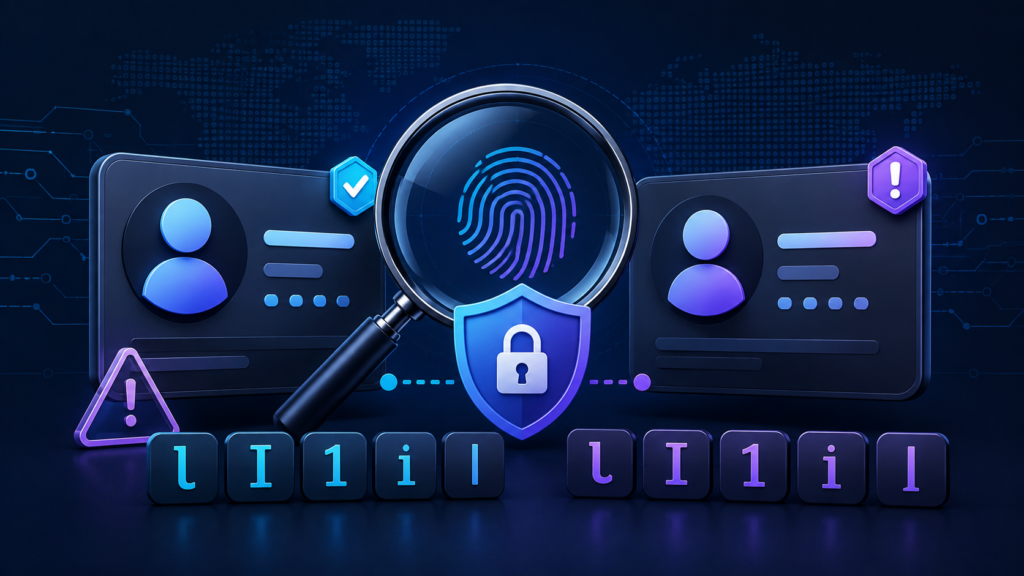
Unicode small text security matters when unusual Unicode characters appear in usernames, account handles, display names, or other identifiers. The characters themselves are not malicious. The risk comes from visual similarity: two strings can look almost identical to a person while software treats them as different sequences.
That difference creates room for impersonation. A fake account may not need to steal a password if its username looks close enough to a trusted name to fool someone at a glance.
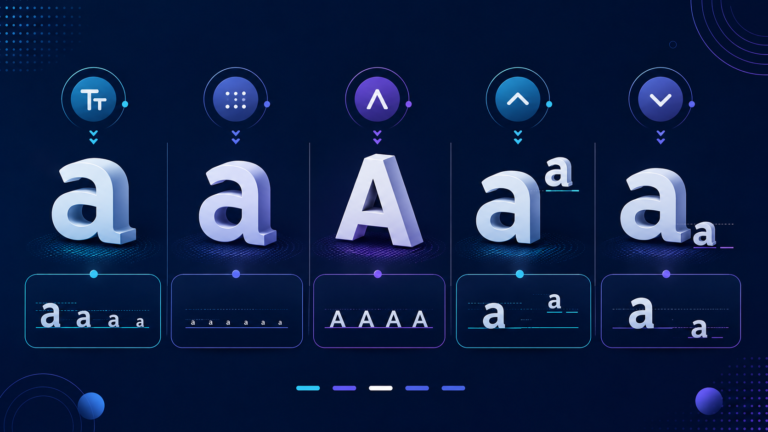
First, one term needs clarification. “Small text” is not an official Unicode security category. On the web, people commonly use the phrase for text assembled from superscript characters, modifier letters, phonetic symbols, and other Unicode characters that appear unusually small in common fonts.
So, Unicode small text is not automatically unsafe. Problems appear when applications allow visually confusing characters in identity-sensitive text without consistent rules for validation, comparison, and display.
What Are Unicode Lookalike Characters?
Unicode assigns code points to characters. It does not define character identity only by how a glyph looks on a screen.
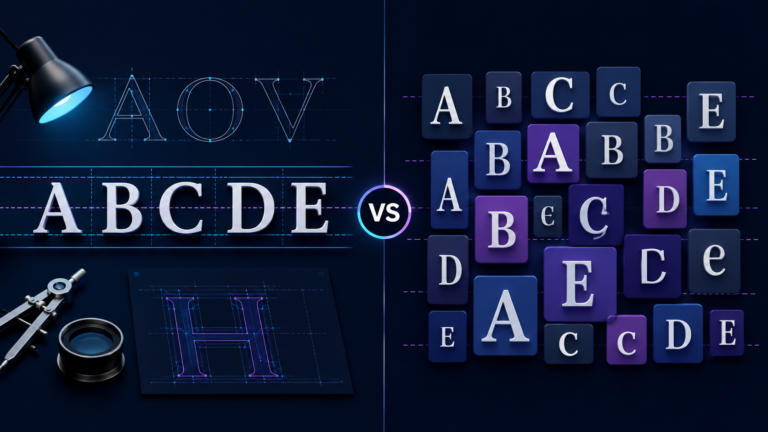
As a result, different characters can look very similar in certain fonts or at small sizes. Unicode Technical Standard #39, Unicode Security Mechanisms, calls such characters or strings confusables. The standard defines mechanisms for detecting single-script, mixed-script, and whole-script confusables.
A well-known example compares the Latin word “paypal” with “pаypаl.” In the second version, the apparent “a” characters use Cyrillic small letter a, U+0430, rather than the Latin “a.”
The words can look nearly identical. However, their underlying character sequences differ. UTS #39 specifically uses this PayPal-style example when explaining mixed-script confusables.
People often call this a homoglyph attack or homograph attack. However, “confusable” is the more precise Unicode term because visual deception does not require two glyphs to be perfectly identical.
Why Lookalike Usernames Create a Security Risk
Usernames act as identity signals. People use them to decide who sent a message, who owns a profile, or whether a request seems trustworthy.
That makes usernames attractive targets for impersonation. An attacker can register a handle that resembles a trusted account by mixing scripts or choosing visually similar characters.
For example, someone may read Cyrillic а as Latin a. Likewise, the digit 0 and capital O can resemble each other in some fonts.
Unicode did not invent this problem. Even ASCII contains visually confusing characters. Unicode simply gives applications a much larger character repertoire to manage.
Screen size can also matter. Fine differences between glyphs become easier to miss inside notifications, compact profile cards, comments, and chat lists.
Therefore, Unicode username security should focus on protecting identity-sensitive identifiers rather than treating international text itself as suspicious.
Unicode Normalization: What It Actually Does
Unicode normalization helps software deal with text that can have more than one equivalent representation.
Unicode Standard Annex #15 defines four normalization forms: NFC, NFD, NFKC, and NFKD. NFC and NFD use canonical equivalence. NFKC and NFKD also apply compatibility decomposition.
Compatibility normalization can remove some formatting distinctions. For example, Unicode’s documentation shows that NFKC and NFKD remove superscript formatting from a superscript digit such as ⁵.
However, normalization is not a universal impersonation filter.
Two characters may remain different after normalization even though people can confuse them visually. Latin a and Cyrillic а provide a simple example.
In other words, normalization and confusable detection solve different problems. Normalization handles defined character equivalences. Confusable detection looks for different strings that humans may mistake for one another.
Why NFKC Cannot Simply “Fix” Every Username
At first, applying NFKC to every unusual username may sound like a neat security shortcut. In practice, developers need more precise rules.
RFC 8265 defines PRECIS profiles for internationalized usernames and passwords. It gives an important example involving ¹—SUPERSCRIPT ONE, U+00B9—and the ordinary digit 1, U+0031.
The RFC warns that treating those two characters as equivalent in many application protocols could create false accepts during comparison, authentication, or authorization.
RFC 8265 instead defines username profiles based on the PRECIS IdentifierClass.
The UsernameCaseMapped profile maps fullwidth and halfwidth characters, converts uppercase and titlecase characters to lowercase, applies NFC, and applies the Bidi Rule when right-to-left code points occur.
The UsernameCasePreserved profile also uses width mapping and NFC but does not perform case mapping.
The lesson is straightforward: developers should use a defined identifier profile rather than inventing their own “normalize everything” rule.
RFC 8265 also allows application protocols to add stricter requirements. Those rules can include additional restrictions on allowed characters and safeguards against visually similar characters.
How Unicode Confusable Detection Works
Unicode Technical Standard #39 provides mechanisms and data for detecting visually confusable strings.
One important mechanism creates an internal representation called a skeleton. Under UTS #39, two strings are considered confusable when their skeletons match.
However, developers should not mistake a skeleton for a cleaned-up username.
UTS #39 states that skeletons exist for internal confusability testing. They are not suitable for display and should not serve as a normalization format for identifiers.
UTS #39 also distinguishes several types of confusables.
Single-script confusables operate within a compatible script context. Mixed-script confusables involve strings whose resolved script sets differ. Whole-script confusables can make a string from one script resemble a string written in another.
For example, UTS #39 gives Latin “paypal” and its Latin/Cyrillic imitation as a mixed-script example. It also demonstrates how Latin “scope” can resemble an all-Cyrillic string.
These mechanisms give platforms a better option than assuming every multilingual username is hostile.
How Websites Can Improve Unicode Small Text Security
Define a Clear Username Policy
Applications should decide which characters belong in usernames and other security-sensitive identifiers.
Unicode Standard Annex #31, Unicode Identifiers and Syntax, provides a foundation for defining Unicode identifiers. UTS #39 adds security profiles, restriction levels, and confusable-detection mechanisms.
A global service can therefore support the scripts its users genuinely need while restricting characters that create unnecessary ambiguity.
Normalize Usernames Consistently
A service should use one documented normalization and comparison policy during registration, login, account lookup, and other identity checks.
Do not process a username one way during registration and another way during sign-in. Inconsistent handling can create unexpected collisions or failed comparisons.
Most importantly, developers should not assume that NFKC is automatically safer than NFC. The correct normalization rule depends on the identifier profile and protocol.
UAX #31 itself notes that applications need to specify their normalization behavior when comparing identifiers.
Check New Usernames for Confusables
Platforms can compare proposed handles with existing or protected identifiers using Unicode confusable data.
For example, a service may review a new handle that closely resembles a staff account, verified creator, financial institution, or other high-trust identity.
This approach targets deceptive similarity instead of blocking every non-ASCII character.
Treat Mixed Scripts as a Signal, Not Proof
Mixed scripts can indicate spoofing. However, legitimate multilingual text can also contain more than one script.
UTS #39 provides mixed-script detection and restriction-level mechanisms that applications can adapt to their own risk model.
Therefore, platforms should combine script analysis with context rather than treating every mixed-script identifier as malicious.
Otherwise, the security system may end up shouting “suspicious!” at perfectly legitimate alphabets.
Separate Display Names From Unique Handles
A platform can allow flexible display names while applying stricter rules to unique handles or login identifiers.
That design preserves internationalization and personal expression while making account identity easier to compare.
It also prevents one field from doing two very different jobs: personal presentation and security-sensitive identification.
Give Users More Than a Username to Trust
A username should not carry the entire burden of identity.
Platforms can provide verification markers, organization details, account history, official-domain links, and clear impersonation-reporting tools.
High-risk actions can also require stronger verification.
Otherwise, users have to decide whether someone is genuine from a few pixels. That is a heroic amount of responsibility for one suspicious-looking letter.
What Users Can Do About Lookalike Usernames
Users do not need to memorize Unicode code points to reduce impersonation risk.
Open the complete profile instead of trusting a shortened notification. Check verification information, profile history, linked official websites, and previous conversation context.
Also, be cautious when a familiar-looking account suddenly asks for passwords, recovery codes, credentials, money, or urgent action.
If something seems inconsistent, verify the person or organization through a channel you already trust. Do not use the suspicious message itself as proof of identity.
Technical users can inspect character code points or scripts with Unicode-aware tools.
Still, ordinary users should not need to perform character forensics every time they receive a message. Platforms control registration and display rules, so they carry much of the responsibility for reducing visual impersonation.
Should Websites Block All Unicode in Usernames?
An ASCII-only policy removes many Unicode-specific confusable cases. However, it also prevents people from using identifiers written in many legitimate scripts.
UTS #39 includes restriction-level mechanisms because identifier security does not have to mean choosing between ASCII-only usernames and unrestricted Unicode.
The right policy depends on the application.
A small internal system may need only a narrow character set. In contrast, an international social platform may need broad script support combined with stronger confusable detection.
ASCII does not remove every visual problem either. Characters such as 0 and O, or 1, lowercase l, and uppercase I, can still confuse readers in some fonts.
Therefore, the practical goal is controlled internationalization: support necessary characters, apply consistent identity rules, detect confusables, and protect high-value names.
Final Takeaway
Unicode small text security is not about treating unusual Unicode characters as malware. It is about recognizing that visual appearance and character identity are different things.
For usernames and account handles, strong protection combines a defined identifier policy, consistent normalization, Unicode confusable detection, careful comparison rules, and visible trust signals.
Unicode UTS #39 provides the core security mechanisms. UAX #31 provides identifier guidance. UAX #15 explains Unicode normalization. RFC 8265 defines protocol-level rules for internationalized usernames and passwords through PRECIS.
Together, these standards support one clear principle: allow international text, but never treat “looks the same” as a reliable identity check.
Small characters are not the real danger. Small assumptions about identity are.

Related Articles