
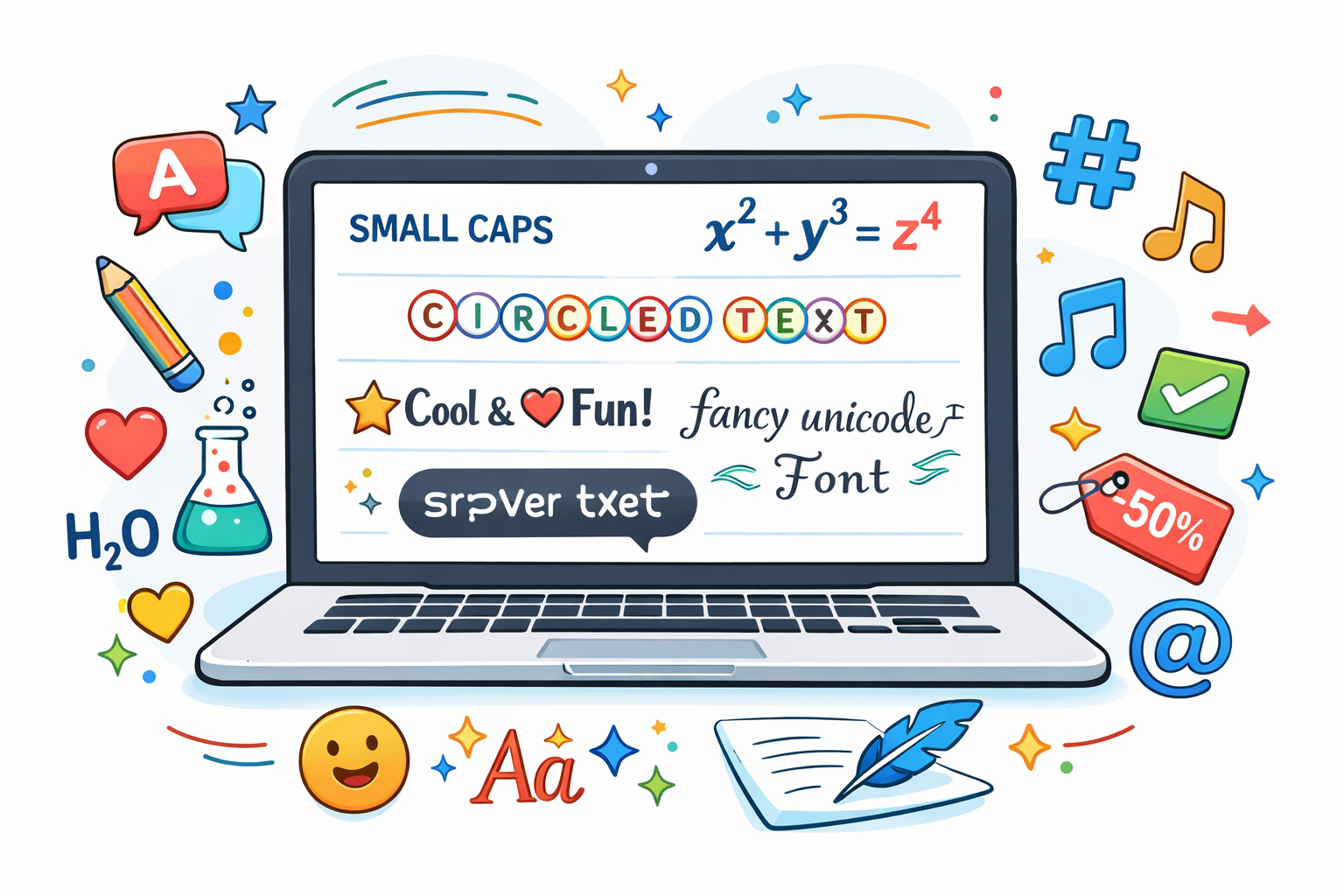
Text is everywhere on the internet. From social media posts to website headlines, the way text looks can change how people react to it. Styled text grabs attention, improves readability, and helps messages stand out in crowded digital spaces.
Many people think text styling only means choosing a font. In reality, modern text styling includes Unicode characters, formatting styles, symbols, and layout techniques that make content more engaging.
In this guide, you will learn 10 creative ways to style text online using practical methods that work across websites, social media platforms, and messaging apps. Each method focuses on clarity, usability, and accessibility so your text looks attractive without hurting readability.
Why Text Styling Matters Online
Well-styled text improves both user experience and communication. When readers see structured and visually appealing content, they understand the message faster.
Research from the Nielsen Norman Group, a leading usability research organization, shows that users often scan web pages rather than reading every word. Proper formatting helps them find important information quickly.
Styled text also helps with:
- Highlighting key information
- Improving readability on screens
- Creating visual hierarchy
- Making content more memorable
Now let’s explore practical ways to style text online.
1. Use Small Caps for Elegant Text
Small caps create a clean and professional appearance. They look like uppercase letters but maintain the height of lowercase characters.
Writers often use small caps in:
- Titles
- Names
- Headings
- Branding elements
For example:
Normal text: creative writing
Small caps: ᴄʀᴇᴀᴛɪᴠᴇ ᴡʀɪᴛɪɴɢ
Small caps rely on Unicode characters, which means they work on many platforms including social media and messaging apps.
However, avoid overusing them. Too many styled characters may reduce readability.
2. Try Superscript for Notes and Exponents
Superscript characters appear slightly above the normal text line. People often use them for:
- Mathematical expressions
- Footnotes
- Scientific writing
Example:
x² + y² = z²
This style appears frequently in academic and technical writing. Unicode superscript characters allow users to create similar formatting even outside word processors.
Educational resources like Khan Academy and MIT OpenCourseWare regularly use superscript notation for mathematical explanations.
3. Use Subscript for Scientific Text
Subscript text appears slightly below the line. It helps represent formulas and chemical compounds.
For example:
H₂O
CO₂
Scientists and educators use subscripts to present formulas accurately.
Platforms like PubChem and National Institutes of Health (NIH) databases display chemical formulas using subscript notation.
Subscript styling ensures scientific information remains precise and easy to read.
4. Add Underlined Text for Emphasis
Underlined text highlights important words or phrases.
Example:
Important message
In printed documents, underlining often replaces bold formatting. On websites, however, underlined text usually indicates clickable links.
The World Wide Web Consortium (W3C) recommends using underlines carefully because users associate them with hyperlinks.
If you underline text that is not a link, make sure the context remains clear.
5. Use Strikethrough to Show Edits
Strikethrough text places a horizontal line across words. Writers use it to show corrections or removed information.
Example:
Original price: $50
Discounted price: $30
This technique appears frequently in:
- Editing workflows
- Online shopping discounts
- Revision notes
Many writing tools such as Google Docs and Microsoft Word include built-in strikethrough formatting.
Strikethrough works well when you want to demonstrate changes without deleting the original text.
6. Create Circled Text for Unique Visual Style
Circled letters add a playful visual element to text.
Example:
ⓣⓔⓧⓣ ⓢⓣⓨⓛⓔ
These characters come from Unicode symbol sets. They work in many modern browsers and messaging platforms.
Circled text often appears in:
- Creative social media captions
- Online usernames
- Decorative headings
The Unicode Consortium, which maintains the Unicode standard, provides many decorative character sets used in modern text styling.
7. Reverse Text for Fun and Creativity
Reversed text flips the order of characters.
Example:
Normal: hello world
Reversed: dlrow olleh
This style does not serve formal writing, but it works well for playful content, puzzles, or creative social media posts.
Many word games and puzzles use reversed text to challenge readers.
Puzzle platforms and brain-training games often include reversed text exercises to improve pattern recognition and problem-solving skills.
8. Use Symbols to Decorate Text
Symbols can transform plain text into something more expressive.
Example:
★ Important Update
✔ Completed Task
→ Next Step
Symbols improve readability by breaking long paragraphs and highlighting key points.
Design experts often use icons or symbols to guide readers through information.
According to Smashing Magazine, visual markers help readers scan content more efficiently.
9. Combine Bold, Italics, and Formatting
Basic formatting styles remain some of the most effective tools for text styling.
Examples include:
Bold text – highlights key ideas
Italic text – adds emphasisMonospace text – shows code snippets
Professional writers use formatting to create a clear structure.
Content platforms such as WordPress, Medium, and Notion rely heavily on these styles to organize information.
Using them correctly improves both readability and accessibility.
10. Use Unicode Text Styles for Social Media
Unicode characters enable many creative text styles without installing special fonts.
For example:
- Fancy letters
- Small caps
- Decorative characters
Social media platforms like Instagram, Twitter, and Facebook support many Unicode characters.
Users often style their text to:
- Create unique usernames
- Design eye-catching bios
- Make captions stand out
Because Unicode text works across devices, it remains one of the most practical ways to style text online.
The Unicode Standard ensures consistent display across operating systems and browsers.
Tips for Styling Text Without Hurting Readability
Creative text styles can improve content, but moderation matters.
Follow these best practices:
Keep readability first
Fancy text should not make content difficult to read.
Avoid excessive decoration
Too many symbols or styles can overwhelm readers.
Maintain accessibility
Screen readers may struggle with unusual Unicode characters.
Use styles for purpose
Each style should support communication rather than distract from it.
Following these guidelines keeps your text attractive and functional.
When to Use Styled Text Online
Styled text works best in specific situations.
Examples include:
- Social media captions
- Headlines and titles
- Educational explanations
- Branding and creative content
- Messaging apps and usernames
However, professional documents and academic writing often require simpler formatting.
Always consider the audience and platform before using decorative text styles.
Final Thoughts
Text styling plays an important role in modern digital communication. A simple formatting change can transform plain text into something engaging and memorable.
From small caps and superscripts to symbols and Unicode styles, many techniques help writers present information more effectively.
The key lies in balance. Good styling improves readability and highlights important ideas without overwhelming the reader.
When used thoughtfully, creative text styles can make your content clearer, more engaging, and easier to navigate.
So the next time your text looks a little dull, try one of these techniques. A small styling change might make a big difference.
Frequently Asked Questions
What is text styling online?
Text styling online means modifying the appearance of text using formatting, Unicode characters, symbols, or decorative styles to make content more visually engaging.
How can I style text without installing fonts?
You can use Unicode text generators that convert normal characters into styled versions supported across browsers and social media platforms.
Does styled text work on social media?
Yes. Many social media platforms support Unicode characters, which allows users to display styled text in bios, captions, and usernames.
Is Unicode text safe to use?
Yes. Unicode is an international standard for text encoding maintained by the Unicode Consortium, which ensures compatibility across devices and operating systems.