
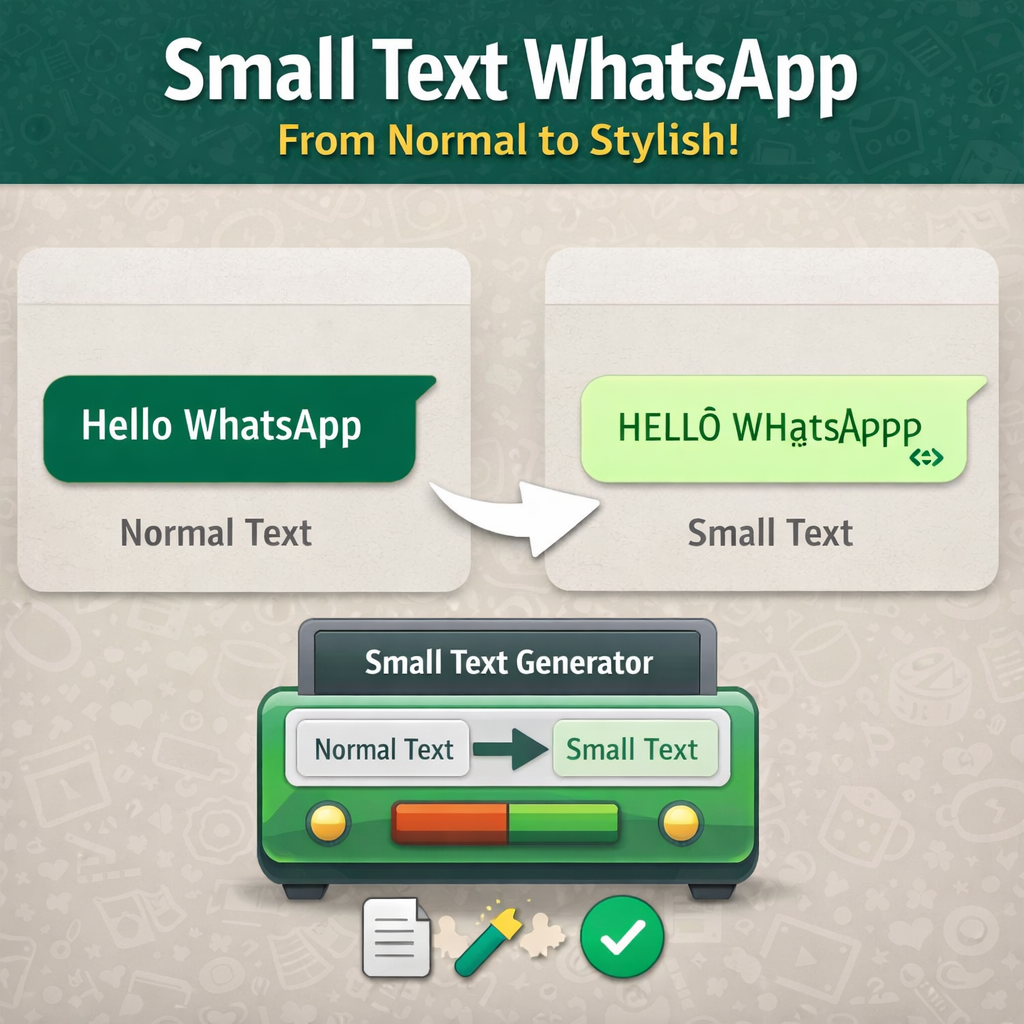
WhatsApp messages often look plain. Everyone types the same text using the same font. After a while, it becomes boring. Many users want a simple way to make their messages look different, creative, or stylish.
One popular method is using small text in WhatsApp messages. Small text allows you to write letters that appear smaller or slightly different from normal characters. People use it for stylish bios, creative replies, fun chats, and unique usernames.
But here is the interesting part: WhatsApp does not include a built-in feature for creating small text. Instead, small text works because of a technology called Unicode characters. These characters allow different text styles to appear across many apps and devices.
In this guide, you will learn how to write small text in WhatsApp, why it works, and the safest ways to create it. We will also explain the technology behind it so you understand exactly what happens when you copy and paste stylish text.
What Is Small Text in WhatsApp?
Small text is a form of Unicode styled text that appears smaller or visually different from regular letters. Instead of using the normal alphabet, it uses alternative Unicode characters that resemble smaller versions of letters.
For example:
Normal text:
Hello Friend
Small text:
ʜᴇʟʟᴏ ғʀɪᴇɴᴅ
Although both lines look similar, they are actually different characters. The second version uses Unicode small capital letters.
Unicode is a global standard used to represent text in digital systems. It supports thousands of characters across many languages and symbols.
According to the Unicode Consortium, Unicode provides a universal system that allows computers and applications to display text consistently across platforms.
Because WhatsApp supports Unicode characters, small text works perfectly when copied and pasted into messages.
Why People Use Small Text in WhatsApp
Small text has become popular because it adds creativity to normal conversations. Many users want their messages or profiles to look unique.
Here are some common reasons people use small text:
1. Stylish Messages
Small text makes messages look creative and different from normal typing.
2. Unique WhatsApp Bios
Many people use small text in their WhatsApp bio to stand out.
3. Fun Conversations
Friends often use small text to send funny messages or secret notes.
4. Creative Usernames
Gamers and social media users like stylish text for their names.
5. Visual Variety
When used carefully, small text adds visual interest to simple messages.
In short, small text gives users a way to express personality in their chats.
How Small Text Works in Messaging Apps
To understand how small text works, we need to look at Unicode again.
Modern messaging platforms like WhatsApp support Unicode encoding. This means the app can display thousands of different characters beyond the standard alphabet.
Small text characters belong to special Unicode blocks such as:
- Superscript characters
- Subscript characters
- Small capital letters
- Phonetic symbols
These characters were originally created for linguistic and scientific writing. Over time, internet users started using them to create stylish text.
Because Unicode characters are universal, they work in most messaging apps, including WhatsApp.
Method 1: Using a Small Text Generator
The easiest way to write small text in WhatsApp is by using a small text generator tool.
These tools automatically convert normal text into Unicode small characters.
Here is how the process works:
- Open a small text generator tool in your browser.
- Type your normal message.
- The tool converts it into small text automatically.
- Copy the generated text.
- Paste it into your WhatsApp chat.
For example:
Normal text
Hello WhatsApp
Converted small text
ʜᴇʟʟᴏ ᴡʜᴀᴛsᴀᴘᴘ
Most generators produce multiple styles such as:
- Small caps
- Superscript text
- Subscript text
- Underlined text
This method works because the tool replaces normal characters with Unicode equivalents.
Method 2: Copy and Paste Small Text Characters
Another simple method involves copying small text characters directly.
You can find many lists of Unicode characters online. Once you find the letters you want, simply copy and paste them into WhatsApp.
For example:
Small caps alphabet:
ᴀ ʙ ᴄ ᴅ ᴇ ꜰ ɢ ʜ ɪ ᴊ ᴋ ʟ ᴍ ɴ ᴏ ᴘ ʀ ꜱ ᴛ ᴜ ᴠ ᴡ ʏ ᴢ
You can combine these letters to create words.
Example:
ʜᴏᴡ ᴀʀᴇ ʏᴏᴜ
This approach works well for short text but becomes slow when writing longer messages.
That is why many users prefer automated generators.
Method 3: Using Superscript and Subscript Characters
Superscript and subscript characters also create a small text effect.
Superscript letters appear slightly above the normal text line.
Example:
Normal text
Message
Superscript version
ᵐᵉˢˢᵃᵍᵉ
Subscript characters appear slightly below the text line.
Example:
ₘₑₛₛₐgₑ
These characters originally helped scientists write chemical formulas and mathematical expressions. Today, they also appear in creative text styling.
According to documentation from World Wide Web Consortium, Unicode characters allow digital platforms to support many writing styles and symbols.
That flexibility explains why these characters work inside messaging apps.
Tips for Using Small Text in WhatsApp
While small text looks stylish, using it correctly makes a big difference.
Here are some helpful tips:
Keep Messages Readable
Do not use small text for very long paragraphs. It can become difficult to read.
Use It for Emphasis
Small text works best for short phrases, quotes, or usernames.
Avoid Overusing It
If every message uses small text, the effect disappears quickly.
Test on Different Devices
Some rare Unicode characters may appear slightly different on older devices.
Most modern smartphones support these characters without any problems.
Does Small Text Work on All Devices?
In most cases, yes.
Modern smartphones support Unicode fully. That means small text usually appears correctly on Android and iPhone devices.
However, older systems may not support every Unicode character. When that happens, the text may appear slightly different.
Fortunately, most commonly used small text characters display correctly on modern messaging platforms.
Is Small Text Safe to Use?
Yes, small text is completely safe.
It does not involve scripts, code execution, or hidden software. It only uses Unicode characters, which are part of standard text encoding.
When you copy small text, you are simply copying characters, just like copying normal letters.
Because of this, small text does not affect privacy, security, or device performance.
Small Text vs WhatsApp Formatting
WhatsApp already provides some built-in formatting tools.
You can create:
Bold text
bold
Italic text
italic
Strikethrough text
~text~
Monospace texttext
These styles change the appearance of text, but they do not change the actual characters.
Small text works differently. It replaces characters with Unicode alternatives instead of applying formatting.
That is why small text looks unique compared to normal WhatsApp styles.
Common Problems When Using Small Text
Although small text works well, some users experience minor issues.
Here are a few common ones:
Characters Missing
Some small text styles do not include every letter.
Copy Paste Errors
Sometimes extra spaces appear when copying from certain websites.
Display Differences
Rare Unicode symbols may look different across devices.
Fortunately, these issues rarely affect common small text styles like small caps or superscript characters.
Creative Ways to Use Small Text
Once you understand how small text works, you can use it in many fun ways.
Here are a few ideas:
- Stylish WhatsApp bios
- Creative status updates
- Fun nicknames for friends
- Gaming usernames
- Decorative quotes
For example:
ʟɪғᴇ ɪs ʙᴇᴛᴛᴇʀ ᴡɪᴛʜ ғʀɪᴇɴᴅs
Small touches like this make conversations more interesting.
The Technology Behind Small Text
At its core, small text relies on Unicode encoding, which standardizes how characters appear on digital devices.
Unicode assigns a unique number to every character, allowing different systems to display text consistently.
According to documentation from Unicode Consortium, Unicode includes more than 140,000 characters across multiple languages and symbol sets.
This massive character library allows developers and users to create creative text styles beyond the normal alphabet.
Messaging apps like WhatsApp support Unicode, which is why small text works without any special software.
Final Thoughts
Small text adds personality to everyday conversations. It allows users to turn ordinary messages into stylish and creative text.
Even though WhatsApp does not include a built-in small text feature, Unicode characters make it possible. With the help of a small text generator or simple copy-paste methods, anyone can create unique messages in seconds.
The key is to use small text wisely. Short phrases, bios, and fun replies work best. When used properly, small text can make your messages stand out without sacrificing readability.
So next time your WhatsApp chat feels a little plain, try adding a touch of small text. Your messages might just become the most stylish ones in the conversation.
Frequently Asked Questions
How do you write small text in WhatsApp?
You can write small text in WhatsApp by using Unicode characters. The easiest way is to type your message in a small text generator, copy the converted text, and paste it directly into your WhatsApp chat.
Does WhatsApp support small text fonts?
Yes, WhatsApp supports small text because it uses Unicode characters. These characters allow stylish text styles like small caps, superscript, and subscript to display correctly in messages.
Can I create small text in WhatsApp without a generator?
Yes, you can manually copy and paste Unicode small text characters. However, using a small text generator is faster because it automatically converts normal text into multiple small text styles.
Why does small text work in WhatsApp messages?
Small text works because WhatsApp supports Unicode encoding. Unicode includes thousands of characters that look different from standard letters, allowing users to create stylish and small text.
Is small text safe to use on WhatsApp?
Yes, small text is completely safe. It only uses Unicode characters and does not involve scripts, apps, or any form of code execution.