
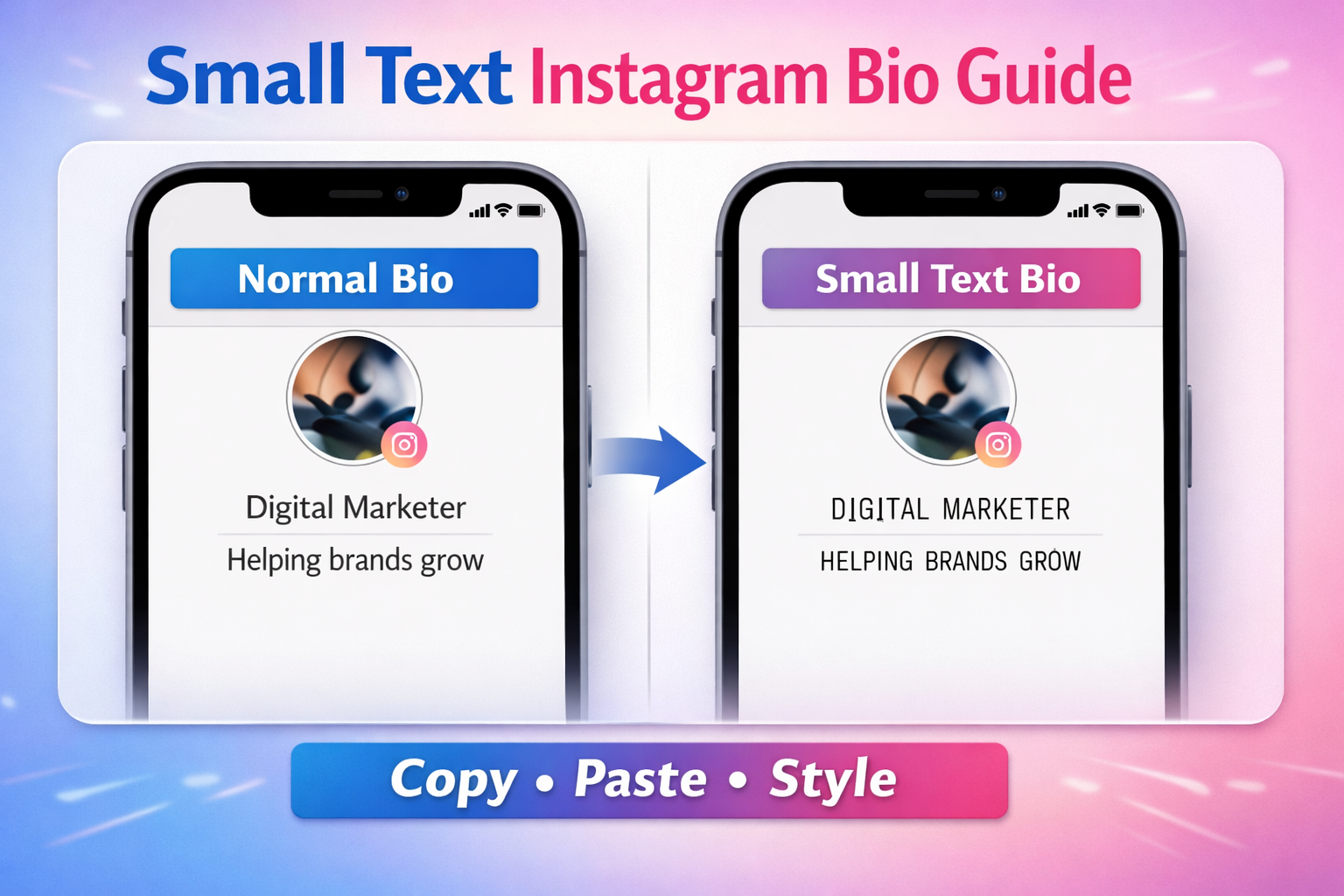
Instagram bios are small spaces with a big purpose. In just a few characters, you must introduce yourself, explain what you do, and attract attention. Because of this limited space, many users look for creative ways to make their bio stand out. One popular method is using small text.
Small text adds a unique visual style to your Instagram bio. It helps your profile look different without breaking Instagram’s rules. Many influencers, brands, and content creators already use it to create stylish bios.
In this guide, you will learn how to use small text on an Instagram bio, why it works, and how to use it correctly without hurting readability or user experience.
What Is Small Text on Instagram?
Small text on Instagram refers to Unicode characters that look smaller than regular letters. These characters come from the Unicode standard, which allows computers and smartphones to display text consistently across platforms.
Instead of changing the font, small text generators convert normal letters into Unicode variants such as superscript, subscript, or small caps.
For example:
Normal text:
Instagram Bio
Small text:
ᴵⁿˢᵗᵃᵍʳᵃᵐ ᴮᶦᵒ
Although it looks like a different font, it is actually a Unicode character transformation, not a real font change.
According to the Unicode Consortium, Unicode provides a universal encoding system that supports text representation across digital platforms. This system allows special characters, symbols, and variations of letters to appear correctly on devices worldwide.
Why People Use Small Text in Instagram Bios
Your Instagram bio competes with millions of other profiles. A creative bio can help users remember your profile and increase engagement.
Small text helps in several ways:
1. Makes Your Bio Visually Unique
Most Instagram bios use standard text. Small text breaks that pattern and grabs attention quickly.
2. Improves Aesthetic Profiles
Content creators often build visually consistent profiles. Small text fits well with minimalist or aesthetic themes.
3. Helps Emphasize Important Words
You can combine normal and small text to highlight certain words or phrases.
Example:
Travel Blogger | ᴡᴏʀʟᴅ ᴇxᴘʟᴏʀᴇʀ
4. Works Across Devices
Because small text uses Unicode characters, it works on most modern devices and platforms.
How to Use Small Text on Instagram Bio
Using small text on Instagram is simple. You do not need design software or coding knowledge. Follow these steps.
Step 1: Open a Small Text Generator
First, open an online small text generator. These tools convert regular text into Unicode small characters automatically.
You simply type your text, and the tool creates multiple styled versions.
Step 2: Enter Your Bio Text
Type the text you want in your Instagram bio.
Example:
Digital marketer | Helping brands grow
The tool will generate several variations such as:
ᵈⁱᵍⁱᵗᵃˡ ᵐᵃʳᵏᵉᵗᵉʳ
ᴅɪɢɪᴛᴀʟ ᴍᴀʀᴋᴇᴛᴇʀ
Step 3: Copy the Small Text
Choose the style you like and copy it.
Most generators provide a copy button to make the process faster.
Step 4: Open Instagram Profile
Go to your Instagram profile and click Edit Profile.
Step 5: Paste the Small Text in Your Bio
Paste the styled text in the bio field and save your changes.
Your Instagram bio will now display the small text style.
Example Instagram Bios Using Small Text
Here are a few simple examples.
Creator Bio
Photographer
ᴄᴀᴘᴛᴜʀɪɴɢ ʀᴇᴀʟ ᴍᴏᴍᴇɴᴛs
Personal Brand
Entrepreneur
ʙᴜɪʟᴅɪɴɢ ɪᴅᴇᴀs ᴅᴀɪʟʏ
Lifestyle Profile
Traveler | Blogger
ᴇxᴘʟᴏʀɪɴɢ ᴛʜᴇ ᴡᴏʀʟᴅ
Small touches like these can make your bio look cleaner and more memorable.
Tips for Creating a Stylish Instagram Bio
Small text looks great, but you should use it wisely. Here are a few simple tips.
Keep Your Bio Readable
Some small text styles can become hard to read. Avoid using too many special characters.
A good rule:
Use small text for short phrases, not entire paragraphs.
Combine Normal and Small Text
Mixing both styles keeps your bio balanced.
Example:
Founder | ᴅɪɢɪᴛᴀʟ ɢʀᴏᴡᴛʜ
Avoid Overusing Symbols
Too many symbols can make your bio look messy.
Clean bios usually perform better.
Match Your Brand Style
If your profile has a minimalist theme, choose a simple small text style. If your profile is playful, you can use creative variations.
Does Small Text Affect Instagram SEO?
Instagram search mainly focuses on keywords in usernames, names, and bios. According to Meta’s creator resources, keywords help Instagram understand profile relevance.
However, special characters may not always be searchable. Because of this, experts recommend keeping important keywords in normal text.
Example:
SEO Consultant | Helping brands grow
ᴅɪɢɪᴛᴀʟ ᴍᴀʀᴋᴇᴛɪɴɢ ᴛɪᴘs
In this example, the main keyword remains readable and searchable.
Common Mistakes When Using Small Text
Many users make small mistakes that reduce the impact of their bio.
Using Too Many Styles
Combining several styles in one bio can look chaotic.
Stick to one or two styles for consistency.
Writing Entire Bios in Small Text
Long small-text bios can become difficult to read. Instagram bios work best when they are short and clear.
Copying From Unknown Sources
Some websites generate broken characters. Always use trusted tools that rely on Unicode conversions.
Small Text vs Fancy Fonts
Many people think small text means changing the font. That is not correct.
Instagram does not allow custom fonts in bios.
Instead, tools use Unicode characters that resemble different fonts.
Example:
Normal text: Instagram
Unicode style: ɪɴꜱᴛᴀɢʀᴀᴍ
These characters look different but remain valid text that Instagram can display.
When You Should Avoid Small Text
Although small text looks attractive, it is not always the best choice.
Avoid using it when:
- Your profile is business-focused and needs maximum clarity
- Your bio contains important contact information
- Your audience prefers simple readability
In such cases, a clean bio with normal text may perform better.
Is Small Text Safe to Use on Instagram?
Yes. Small text is safe because it uses standard Unicode characters supported by modern operating systems.
Unicode is widely used across the internet and forms the foundation of text encoding on most platforms.
As long as the characters display correctly on your device, they should also display properly for most users.
However, extremely rare Unicode characters may not appear correctly on older devices.
Best Practices for Instagram Bios
If you want your Instagram bio to perform well, keep these principles in mind.
Be Clear
Explain who you are and what you do in simple words.
Use Keywords Naturally
Add relevant keywords that describe your niche.
Keep It Short
Instagram bios have limited characters. Short bios often perform better.
Add Personality
A little humor or creativity makes your bio memorable.
Example:
Coffee lover ☕
ᴡᴏʀᴋɪɴɢ ᴏɴ ʙɪɢ ɪᴅᴇᴀs
Final Thoughts
Small text can transform a simple Instagram bio into something more stylish and engaging. By using Unicode characters, you can create unique visual effects without breaking Instagram’s guidelines.
The key is balance. Use small text to highlight important phrases while keeping the rest of your bio easy to read.
A clean, creative bio helps visitors understand your profile quickly. Combine that with consistent content, and your Instagram profile will look more professional and memorable.
If you want to experiment with different styles, you can use a small text generator to convert normal text into multiple Unicode variations instantly.
With the right approach, even a small change in your bio can make a noticeable difference.
Frequently Asked Question
How do you write small text on Instagram bio?
You can write small text by using a Unicode small text generator. Enter your text, copy the styled version, and paste it into your Instagram bio.
Does small text work on Instagram?
Yes. Small text works because it uses Unicode characters supported by Instagram and modern devices.
Is small text searchable on Instagram?
Some Unicode characters may not appear in search results. For better discoverability, keep important keywords in normal text.
Can I copy and paste small text on Instagram?
Yes. Most generators provide a copy button that lets you paste small text directly into your Instagram bio.