
In the digital world, text does more than deliver information. It also creates style, personality, and visual appeal. You may have seen tiny letters in social media bios, gaming usernames, or creative captions. This style is commonly known as small text.
Small text looks different from regular letters. It appears smaller, stylish, and sometimes slightly raised or lowered. Many people use it to make posts stand out or to create unique usernames.
But what exactly is small text, and how does it work behind the scenes?
In this guide, we will explain the concept of small text, how it is generated, and why it works across different platforms. We will also explore the technology behind it and the practical ways people use it online.
What Is Small Text?
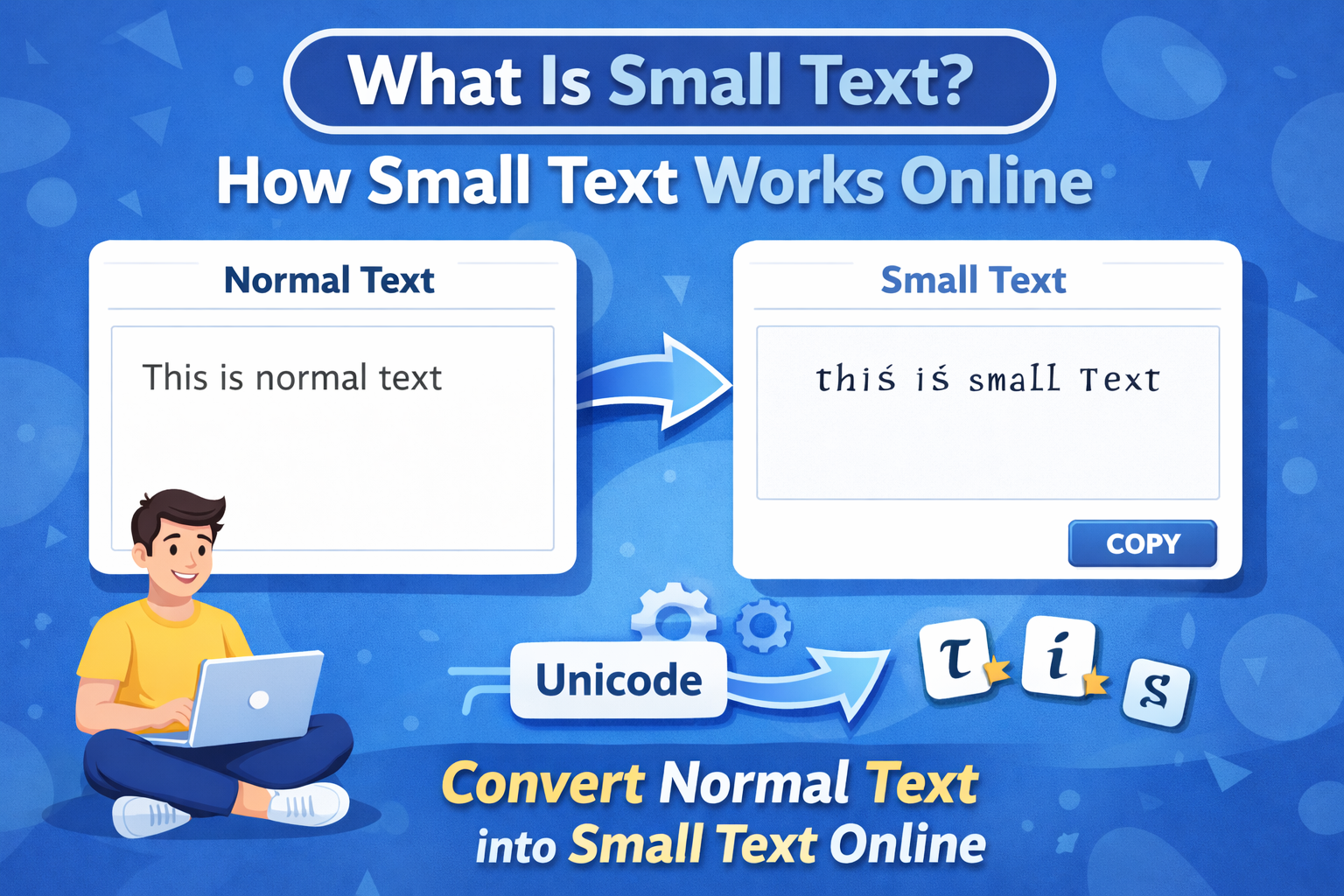
Small text refers to characters that appear smaller than normal letters but remain readable. People usually create it using Unicode characters rather than changing the actual font size.
In simple terms, small text is not a new font. Instead, it uses special characters that already exist in the Unicode system.
For example:
Normal textHello World
Small textʜᴇʟʟᴏ ᴡᴏʀʟᴅ
Even though the letters look smaller, they are actually different Unicode characters.
Unicode provides thousands of characters, including mathematical symbols, superscripts, subscripts, and stylistic letters. Small text generators simply convert regular letters into those Unicode equivalents.
Why Small Text Exists
Small text appears in many digital spaces because it offers a creative way to format text without using special fonts.
Modern websites, apps, and social media platforms rely on Unicode encoding, which allows them to display text consistently across devices.
According to the Unicode Consortium, Unicode is a universal standard designed to represent text from all writing systems and symbols in a consistent way across software and devices.
Because Unicode includes many variations of letters, developers can use those characters to create stylistic text effects.
This design explains why small text works almost everywhere online.
How Small Text Works
Small text works through Unicode character substitution.
A small text generator takes normal letters and replaces them with similar-looking Unicode characters.
Here is a simple example:
| Normal Letter | Small Text Version |
|---|---|
| a | ᵃ |
| b | ᵇ |
| c | ᶜ |
| h | ʰ |
| t | ᵗ |
When you type a sentence into a generator, the tool scans each letter and replaces it with its Unicode equivalent.
For example:
Inputsmall text
Outputˢᵐᵃˡˡ ᵗᵉˣᵗ
The process happens instantly because it only requires character replacement.
No advanced graphics or fonts are needed.
The Role of Unicode in Small Text
Unicode plays the central role in how small text works.
Unicode is an international standard that assigns a unique code point to every character used in digital text.
For example:
- A = U+0041
- a = U+0061
But Unicode also includes many stylistic characters such as:
- Superscripts
- Subscripts
- Small capital letters
- Mathematical symbols
These characters exist mainly for scientific, linguistic, and technical writing. However, modern web tools use them creatively to produce stylish text.
Because these characters belong to the Unicode standard, most modern browsers and devices can display them correctly.
Types of Small Text Styles
Small text does not come in a single format. Different styles exist depending on the Unicode characters used.
Superscript Text
Superscript letters appear slightly above the baseline.
Example:
ᵗʰⁱˢ ⁱˢ ˢᵐᵃˡˡ ᵗᵉˣᵗ
Superscripts originally appeared in mathematics and scientific notation. For example, exponents like 10² use superscript formatting.
Subscript Text
Subscript characters appear slightly below the normal line.
Example:
ₜₑₓₜ
Subscripts often appear in chemistry formulas such as H₂O.
Small Caps
Small caps look like uppercase letters but appear smaller.
Example:
ʜᴇʟʟᴏ
This style often appears in typography and design.
Circled Text
Circled characters place letters inside circular shapes.
Example:
ⓗⓔⓛⓛⓞ
These characters exist in Unicode primarily for numbered lists and symbols.
Where People Use Small Text
Small text appears in many places online. It helps users personalize their content and create visually interesting messages.
Social Media Bios
Platforms such as Instagram, TikTok, and Twitter allow Unicode characters. Many users add small text to their bios to make them unique.
For example:
ᴄʀᴇᴀᴛɪᴠᴇ ᴅᴇsɪɢɴᴇʀ
Because bios have limited space, small text helps create a distinctive style without using images.
Gaming Usernames
Gamers often use stylish text to create unique names.
Small characters make usernames look modern and creative.
For example:
ᵍᵃᵐᵉʳᵇᵒʸ
Many multiplayer platforms support Unicode characters, which allows this type of customization.
Creative Messaging
People also use small text in messages, captions, or comments to emphasize certain words.
Example:
This is my ˢᵐᵃˡˡ secret.
It adds personality to digital communication.
Design and Branding
Some brands use small caps or Unicode text in headlines, especially on social media.
It creates a minimal but stylish visual effect without needing special fonts.
Why Small Text Generators Are Popular
Small text generators make it easy for anyone to create stylish text without technical knowledge.
Instead of manually searching for Unicode characters, users simply type normal text and let the tool convert it.
These tools usually work through a simple process:
- The user enters text into the tool.
- The system reads each character.
- The tool replaces the characters with Unicode alternatives.
- The result appears instantly.
This process makes the tools fast and user friendly.
Advantages of Using Small Text
Small text offers several benefits for online users.
Easy to Use
Anyone can create small text instantly using online tools.
No software installation or design skills are required.
Works Across Platforms
Because Unicode is universal, small text works on most devices and operating systems.
Modern browsers such as Chrome, Safari, and Firefox support Unicode fully.
Adds Visual Style
Small text gives posts, bios, and usernames a distinctive appearance.
Even a simple sentence can look creative with stylish characters.
Improves Engagement
Stylish text often attracts attention in crowded social media feeds.
People naturally notice unusual formatting.
Limitations of Small Text
Despite its advantages, small text also has a few limitations.
Not Every Character Exists
Unicode does not include small versions of every letter or symbol.
Some letters remain unchanged in certain styles.
Search Engines Ignore Styling
Search engines like Google focus on meaning, not visual style.
Small text does not improve SEO by itself.
However, it can improve user experience and engagement.
Compatibility Can Vary
Most modern devices support Unicode, but very old systems may not display all characters correctly.
Still, this issue is rare today.
Are Small Text Generators Safe?
Small text generators are generally safe to use.
Most tools simply convert characters and do not store user data.
However, users should always choose reputable websites and avoid tools that request unnecessary permissions.
The safest generators work entirely in the browser and do not require downloads.
The Future of Unicode Text Styling
Unicode continues to evolve.
The Unicode Consortium regularly adds new characters and symbols to improve global text representation.
As digital communication grows, creative text styling will likely become even more common.
Developers may also build more advanced text tools that combine Unicode styling with design elements.
For now, small text remains one of the simplest and most popular ways to personalize online communication.
Conclusion
Small text may look like a simple design trick, but it relies on a powerful technology called Unicode.
Instead of shrinking fonts, small text generators replace standard characters with stylistic Unicode alternatives. This approach allows the text to display correctly across different devices and platforms.
From social media bios to gaming usernames, people use small text to add creativity and personality to their messages. The process remains simple, fast, and accessible to everyone.
As Unicode continues to expand, stylish text variations will likely become even more diverse. For now, small text offers a fun and practical way to make ordinary words look unique.
Hi, this is a comment.
To get started with moderating, editing, and deleting comments, please visit the Comments screen in the dashboard.
Commenter avatars come from Gravatar.