
Text formatting has evolved far beyond simple bold or italic styles. Today, people use creative text styles to make their messages, social media bios, and usernames stand out. One of the most popular styles is small text, sometimes called tiny text or Unicode small text.
If you have ever seen a stylish Instagram bio or a creative gaming username, you have probably noticed small text in action. The good news is that converting normal text into small text online is simple and requires no technical knowledge.
This guide explains how small text works, how to convert regular text into small text online, and why people use it on social media, gaming platforms, and messaging apps.
What Is Small Text?
Small text refers to characters that appear smaller than standard letters but still remain readable. These characters are not traditional fonts. Instead, they rely on Unicode characters, which represent text symbols that computers recognize across platforms.
Unicode is a global standard maintained by the Unicode Consortium, an organization that ensures consistent text encoding across digital systems. According to the Unicode Standard, each character has a unique code point that allows it to display correctly on different devices and software platforms.
Because of this system, small text does not require font installation. When you generate small text online, you actually create Unicode characters that look smaller or styled differently than regular text.
For example:
Normal text:
Hello World
Small text:
ʜᴇʟʟᴏ ᴡᴏʀʟᴅ
Although the letters look different, they still function as normal characters.
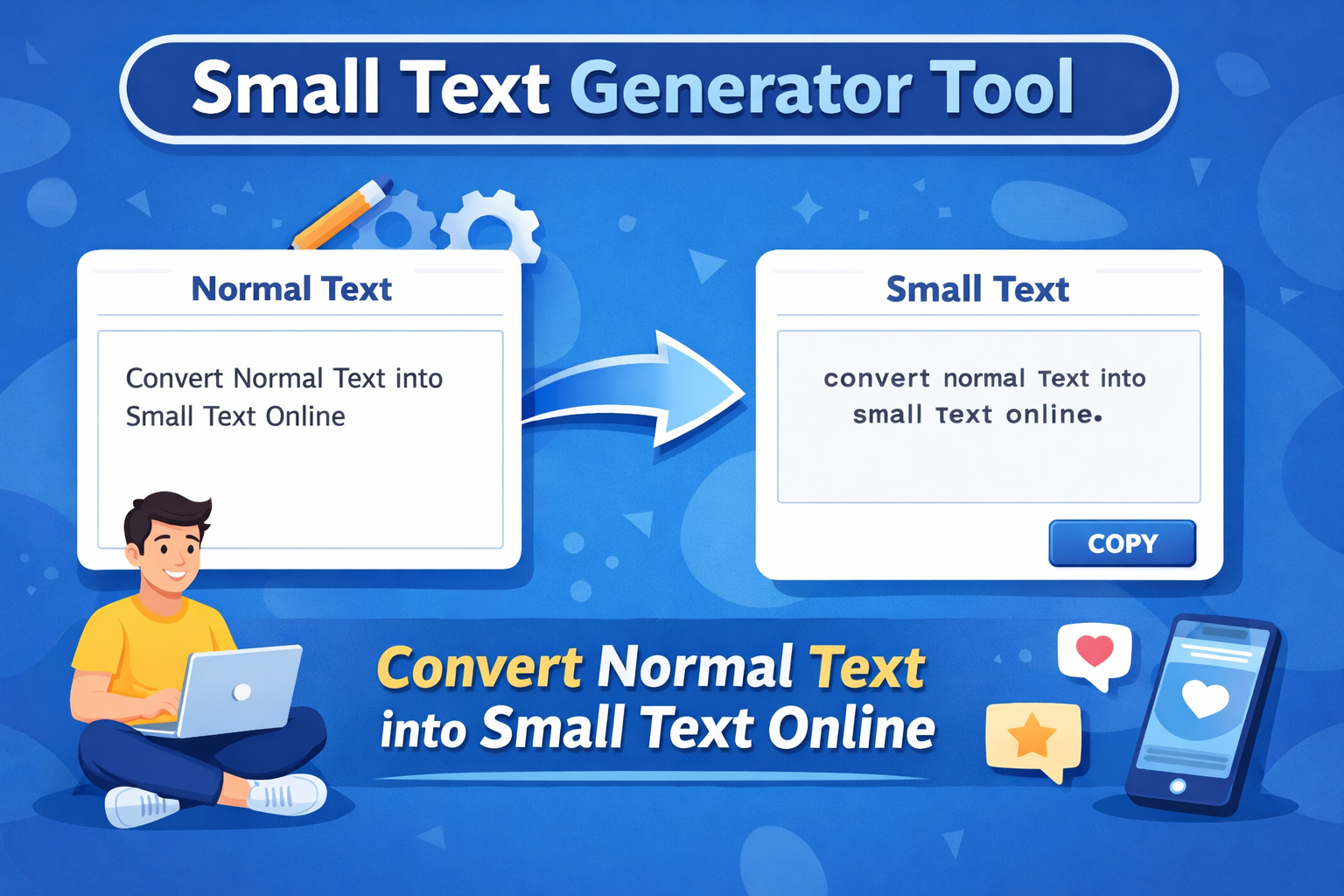
Small text is a styled version of normal text created using Unicode characters. To convert normal text into small text online, simply enter your text into a small text generator tool. The tool automatically transforms each letter into smaller Unicode characters that you can copy and paste into social media posts, bios, usernames, or messages.
Why People Use Small Text
Small text has become popular for several reasons. It adds creativity to digital communication while remaining easy to copy and paste.
Social Media Styling
Platforms such as Instagram, Twitter (X), and TikTok encourage creative bios and captions. Small text helps users make their profiles unique.
Example:
Normal bio:
Travel lover and coffee addict
Small text bio:
ᴛʀᴀᴠᴇʟ ʟᴏᴠᴇʀ & ᴄᴏꜰꜰᴇᴇ ᴀᴅᴅɪᴄᴛ
Gaming Usernames
Gamers often use small text to create distinctive usernames. Unique characters help names stand out in competitive environments.
Messaging Apps
Apps like WhatsApp and Telegram support Unicode characters. That means small text works well in chats, statuses, and profile names.
Creative Content
Writers and content creators sometimes use small text for:
- Stylish titles
- Decorative captions
- Visual emphasis in posts
However, moderation matters. Too much styled text can reduce readability.
How Small Text Works
To understand how to convert normal text into small text, it helps to know how the process works behind the scenes.
Small text generators replace standard characters with Unicode equivalents. For example:
a → ᵃ
b → ᵇ
c → ᶜ
These characters belong to Unicode superscript, modifier letters, or phonetic extensions.
Many of these characters originally served linguistic or scientific purposes. For example, superscript letters appear in phonetic transcription systems used in linguistics.
Source: Unicode Standard, Chapter on Phonetic Extensions
Developers later used these characters creatively to generate decorative text styles.
How to Convert Normal Text into Small Text Online
The easiest way to convert text is to use an online small text generator tool. These tools automatically transform your text into multiple styles.
Follow these simple steps.
Step 1: Open a Small Text Generator Tool
Search for a reliable online small text generator. Most tools work directly in your browser and require no downloads.
A typical tool includes:
- A text input field
- Automatic style generation
- Copy buttons for quick use
Step 2: Enter Your Text
Type or paste the text you want to convert.
Example:
Hello friends, welcome to my profile.
Step 3: View Generated Small Text Styles
The tool instantly converts your text into several variations, such as:
Small caps
Superscript text
Circled text
Underlined text
Example output:
ʜᴇʟʟᴏ ꜰʀɪᴇɴᴅꜱ
Step 4: Copy the Style You Like
Most generators include a copy button next to each style.
Click the button and paste the text wherever you want.
That is it. The entire process takes less than a minute.
Where Small Text Works Best
Small text works well on most modern platforms because Unicode has wide support. However, compatibility can vary slightly depending on the platform.
Social Media Platforms
These platforms usually display small text correctly:
- Twitter (X)
- TikTok
Messaging Apps
Unicode text also works well in messaging apps:
- Telegram
- Discord
Gaming Platforms
Many games support Unicode characters in usernames, although some restrict special characters for security reasons.
Always test the name before finalizing it.
Small Text vs Superscript vs Subscript
People often confuse small text with superscript or subscript characters. While they look similar, they serve different purposes.
Small Text
Small text uses Unicode modifier letters or stylistic characters.
Example:
ʜᴇʟʟᴏ
Superscript
Superscript characters appear above the baseline. Scientists and mathematicians often use them.
Example:
x²
Subscript
Subscript characters appear below the baseline. Chemists use them in formulas.
Example:
H₂O
Small text generators sometimes include all three styles, which explains why the results may look different.
Tips for Using Small Text Effectively
Small text looks creative, but it should still remain readable. Follow these simple tips.
Keep It Short
Small text works best for short phrases, bios, or usernames. Long paragraphs may become hard to read.
Use It for Highlighting
Small text can emphasize titles or decorative elements in posts.
Avoid Overusing Styles
Too many styles can confuse readers. Stick to one style for consistency.
Test Before Posting
Some platforms display characters differently depending on the device. Always preview the text.
Limitations of Small Text Generators
Small text tools are convenient, but they have a few limitations.
Limited Character Support
Not every alphabet has a small-text equivalent. Some letters may remain unchanged.
Search Engine Readability
Search engines treat Unicode characters as text, but excessive decorative characters can affect clarity.
Google recommends clear, readable content for both users and search engines.
Source: Google Search Central – Creating Helpful, Reliable Content
Platform Restrictions
Some websites block special characters to prevent spam or formatting abuse.
Are Small Text Generators Safe?
Yes. Most small text generators simply convert characters using client-side scripts.
That means:
- No files are downloaded
- No personal data is required
- The process happens directly in your browser
However, always use trusted websites and avoid tools that request unnecessary permissions.
When to Use Small Text
Small text can enhance your content when used strategically.
Common use cases include:
- Instagram bios
- Stylish usernames
- Social media captions
- Decorative headings
- Creative digital art
Many creators use small text to make their content visually interesting without relying on images or graphics.
The Future of Creative Text Styling
Text styling continues to evolve as Unicode expands. The Unicode Consortium regularly updates the standard to include new characters and symbols.
The latest Unicode versions include thousands of characters covering multiple languages, symbols, and stylistic variations.
Because of this ongoing development, creative text tools will continue to grow and offer new styles.
Final Thoughts
Converting normal text into small text online is easy, fast, and surprisingly fun. With the help of Unicode characters and modern generator tools, anyone can create stylish text for social media, gaming usernames, or creative content.
The process takes only a few steps:
- Enter your text in a generator tool
- Choose a small text style
- Copy and paste the result
Small text adds personality to digital communication. When used carefully, it can make your content stand out without sacrificing readability.
If you want to experiment with creative text styles, try converting your next message or profile bio into small text. You might discover that even a tiny change can make your content look much more interesting.
Frequently Asked Questions
What is small text?
Small text is a styled version of normal characters created using Unicode symbols. These characters appear smaller than standard text but remain readable on most digital platforms.
How do you convert normal text into small text?
You can convert normal text into small text by using an online small text generator. Simply type your text into the tool, choose a style, and copy the generated small text.
Is small text supported on social media?
Yes. Most social media platforms like Instagram, Facebook, Twitter (X), and WhatsApp support Unicode characters, so small text works in bios, captions, and usernames.
Are small text generators safe?
Most small text generators are safe because they only convert characters using Unicode scripts in your browser. They usually do not collect personal data.